How to Measure SEO Progress Without Obsessing Over Rankings
You’re wasting time watching keyword rankings—real SEO progress comes from traffic, engagement, and conversions. I measure YoY organic traffic in GA4 to cut through the noise, then check bounce rate and time on page to spot weak content. I fix Core Web Essentials because slow, janky sites kill trust. I track goal completions and CPA to prove ROI. Competitor gap analysis reveals overlooked opportunities. Rankings fluctuate—these signals don’t lie. You’ll see what actually moves the needle.
TLDR
- Measure year-over-year organic traffic in Google Analytics 4 to identify real SEO progress, not short-term fluctuations.
- Analyze bounce rate and time on page together to assess content relevance and user engagement quality.
- Prioritize fixing Core Web Vitals—LCP, FID/INP, CLS—to improve usability, retention, and search performance.
- Track goal completions and offline conversions to tie SEO efforts to business outcomes and ROI.
- Identify keyword gaps versus competitors to target high-opportunity content improvements, not just ranking positions.
Measure YoY Organic Traffic to Gauge SEO Progress
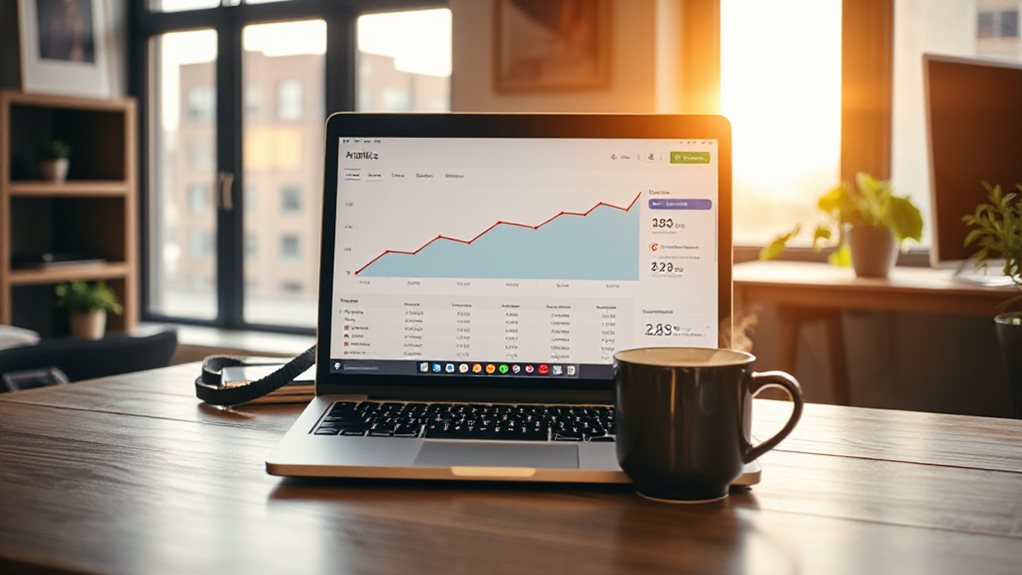
Tracking year-over-year organic traffic growth isn’t just a metric—it’s your SEO reality check.
I use Google Analytics 4 to compare identical 12-month periods, filtering for “Organic Search” under Traffic Acquisition. This cuts through seasonal noise and reveals real progress.
You’ll spot trends fast—consistent upward movement means your SEO is working. Skip the monthly panic; YoY tells the true story. Consistently measuring organic traffic against goals ensures KPIs tie data to outcomes, not just vanity metrics.
This approach aligns with the principle that KPIs tie data to goals, ensuring your SEO efforts are measured by meaningful progress toward institutional objectives.
Analyze Bounce Rate and Time on Page for Engagement Insights
While rankings might grab the headlines, what really tells you whether your content is connecting is how people behave once they land on your site—specifically, whether they stick around or bounce right back to Google. I’ve seen clients obsess over position nine to seven, only to ignore a 70% bounce rate screaming that visitors aren’t satisfied.
You’re better off tracking bounce rate and time on page together—context matters. A high bounce isn’t always bad, but if users leave in under 10 seconds, your content likely missed the mark. I check these metrics in Google Analytics daily, segmenting by channel and page to spot trouble early. Core Web Vitals can significantly influence these engagement signals, as poor performance on metrics like LCP, FID, or CLS often leads to faster exits and lower satisfaction. Improving technical issues like slow load times and poor site structure often yields quick gains in engagement and SEO, especially when you focus on site speed.
Fix LCP, FID, and CLS to Improve User Experience

You can have the most persuasive content in your niche, but if your page takes forever to become interactive or shifts under users’ fingers like a badly timed magic trick, none of it matters.
Fix LCP by loading key content fast—under 2.5 seconds. Tackle FID (or now, INP) by minimising JavaScript delays. Stabilise CLS with sized images and reserved space.
These aren’t just metrics; they’re the foundation of trust, usability, and real SEO progress.
Speed improvements also come from practical site changes like caching, image optimisation, and choosing better hosting—start with caching and image optimisation to get measurable gains.
Track Goal Completions and CPA for Real ROI
Forget vanity metrics that make your reports look busy but mean nothing at the cash register—start measuring what actually moves the needle: goal completions and cost per acquisition (CPA).
I track form submissions and purchases in GA4, tag phone calls via CallRail, and tie it all to ad spend. You’ll see real ROI, not just traffic spikes.
Naming conventions? Non-negotiable. Skip them, and your data lies.
When multiple issues compete for attention, prioritize fixes that deliver the biggest impact on conversion rate first and then address lower-impact items.
Find SEO Gaps Using Competitor Metrics

You’ve nailed down your goal tracking and know exactly what each conversion costs—now let’s use that clarity to find where you’re leaving traffic on the table.
I run competitor gap analyses regularly, and honestly, it’s where most businesses waste effort. Plug your top five rivals into SEMrush or Ahrefs, filter for keywords they rank for but you don’t, then prioritise by search volume, difficulty, and intent. Ignore branded terms and fluff. Focus on gaps where you’re close—say, ranking top 20 but trailing. That’s low-hanging traffic. Map those keywords to new or improved content, audit what’s working in competitor pages, and replicate smartly. It’s not about copying—it’s about catching up efficiently.
And Finally
I’ve seen too many clients fixate on rankings that don’t move the needle. You’re better off tracking year-over-year traffic, engagement, and conversions—real signals of progress. Fixing Core Web Essentials isn’t just for Google; it keeps visitors from bouncing. And yes, CPA matters more than vanity metrics. Competitor gaps? They’re clues, not commands. Stay focused on what actually drives results, not where your site sits for keywords nobody clicks.