Duplicate content on your WordPress site doesn’t incur a penalty, but it does waste your crawl budget and splits ranking signals between identical pages. I’ve often found the culprits are tag archives, pagination, or canonical issues. To fix it, you’ll primarily use canonical tags to specify the main version and consolidate weaker pages with 301 redirects. Getting your site structure clean makes a significant difference, and I’ll outline the straightforward steps ahead.
TLDR
- Canonical tags tell search engines which page version is primary.
- Use 301 redirects to permanently merge duplicate pages and consolidate authority.
- Set tag and category archive pages to ‘noindex’ in your SEO plugin.
- Conduct regular site crawls to identify hidden duplicate URL variations.
- Configure your SEO plugin to add canonical tags automatically for prevention.
What Causes Duplicate Content in WordPress (And Why It Hurts SEO)

While it’s tempting to think duplicate content is just a lazy copy-paste job, I’ve found WordPress often creates it for you behind the scenes, quietly hurting your SEO whether you’re a blogger or a business owner. Your tags, categories, and pagination generate near-identical pages, which then compete with each other, split your crawl budget, and dilute rankings. Search engines can read PDFs, so print-friendly versions of your pages often create another layer of this problem. It’s an easy trap to fall into without realizing it, especially when technical issues elsewhere on a site prevent clear indexing.
How to Find and Identify Duplicate Pages on Your Site
Now that you know how WordPress quietly creates duplicate content, you need to find those pages before you can fix them.
I always start with a dedicated crawler like Screaming Frog to map the site; it brilliantly flags duplicate titles and meta descriptions. For a more comprehensive audit, you can also utilize tools like SEMrush for in-depth duplicate content analysis. A full site crawl helps uncover hidden URL variations and canonical issues that are common causes of duplicate pages.
For a quick manual check, use Google’s `site:` operator or your Search Console account—it’s free and surprisingly effective for spotting the obvious duplicates.
How to Fix Duplicate Content With Canonical Tags
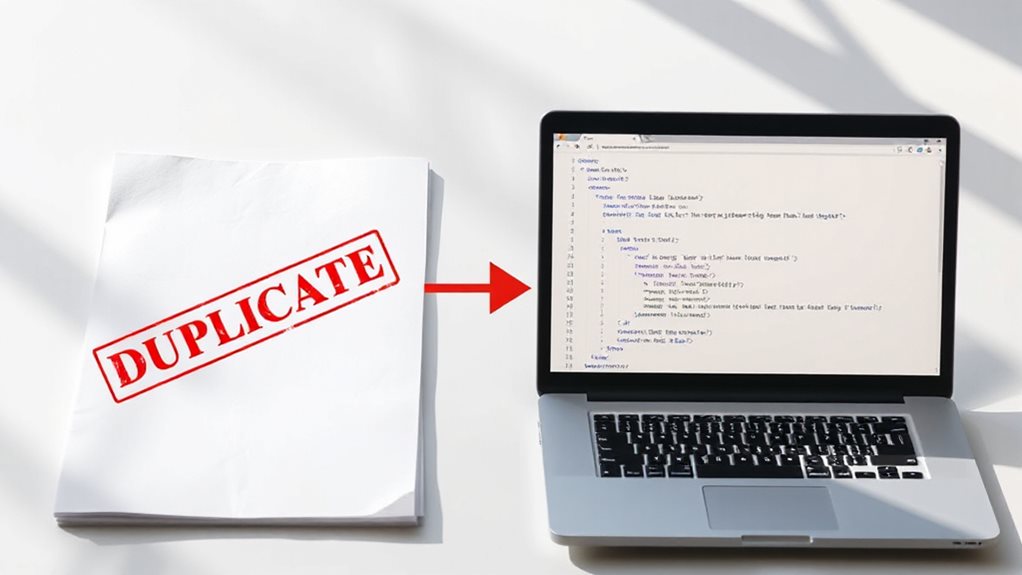
Having identified where your duplicate pages are hiding, you can solve the problem directly with canonical tags—think of them as a quiet but firm instruction to search engines about which version of your content should count.
I always use an absolute URL, including the https://, and place it correctly in the `
` section. Plugins like Yoast or Rank Math handle this perfectly, saving you from manual code headaches.Use canonical tags alongside other WordPress SEO best practices like structured data and site speed optimization to boost crawling and ranking signals for your preferred pages, especially when using structured data to improve search understanding.
How to Consolidate Authority With Redirects and Internal Links
Beyond simply telling search engines which page is correct, you can actively build and consolidate your site’s authority by thoughtfully linking your pages together.
Use 301 redirects to merge duplicate pages, then channel that consolidated link equity through descriptive internal links. This deep-linking strategy lifts your important content and fixes the common, self-inflicted wound of leaving strong pages orphaned with no internal pathways. Implementing targeted internal linking and pruning weaker pages can boost overall SEO performance without adding new pages.
How to Prevent Future Duplicate Content in WordPress

While fixing existing duplicate content is essential, preventing it from cropping up again is how you’ll save yourself from a recurring SEO headache. I configure my SEO plugin to add canonical tags automatically and set tag pages to ‘noindex’.
Regular audits with a crawler catch issues early. Finally, I structure my content strategy to merge similar topics from the start—it’s far easier than cleaning up later.
And Finally
You’ve now got a clear, practical system to manage duplicate content. In my experience, fixing this is less about chasing perfect code and more about consolidating your site’s authority. Set your canonicals, use redirects wisely, and structure your internal links with purpose. Ignore the hype about tiny technical penalties; focus on the real issue of wasted crawl budget and diluted ranking power. Stay proactive, and you’ll keep it clean.


Pingback: Best WordPress Plugins to Fix Duplicate Content