Core Web Vitals directly impact your rankings and sales, so you can’t afford to ignore them. Focus on three key metrics: get your main content to load in under 2.5 seconds (LCP), make sure buttons respond instantly (INP under 200ms), and stop the page from jumping around (CLS). I check these for free in Google Search Console, as practical fixes like optimizing your hero image and adding size attributes work wonders. There’s more to unpack on turning speed into revenue.
TLDR
- Core Web Vitals are essential Google ranking factors that directly impact your site’s visibility and sales.
- Focus on three key metrics: fast-loading main content (LCP), responsive interactivity (INP), and visual stability (CLS).
- Use Google’s free Search Console to monitor your scores without technical setup.
- Optimize your largest hero image and improve server speed for the biggest LCP gains.
- Specify image dimensions to prevent layout shifts, the most effective fix for CLS.
Core Web Vitals: Why Your Site’s Speed and Stability Are Non-Negotiable

While it might seem tempting to treat your website’s speed as a secondary concern, the data shows it’s a direct lever for revenue—and ignoring Core Web Vitals means you’re leaving significant money on the table. These metrics became a major Google ranking factor in June 2021, directly tying your site’s technical performance to its search visibility. Every 100-millisecond delay can cut conversions by 7%. I’ve seen clients like Vodafone enhance sales 8% by improving just one metric. This isn’t theoretical; slow sites simply lose customers and rank lower. Implementing practical fixes like image optimisation and caching can often recover performance quickly without a full redesign.
Breaking Down the Three Core Web Vitals: LCP, INP, and CLS
Now that you understand why Core Web essentials are non-negotiable, let’s get into the specifics of what you’re actually measuring, starting with Largest Contentful Paint (LCP).
LCP tracks how fast your main content—like a hero image or headline—loads. You want this under 2.5 seconds. This metric is a key part of the Core Web Vitals used by Google to determine overall page experience and ranking.
I often see this slow due to huge, unoptimized images or sluggish server response, which frankly, is an easy fix. Improving server configuration and image delivery often resolves common bottlenecks.
How to Check Your Core Web Vitals Score for Free
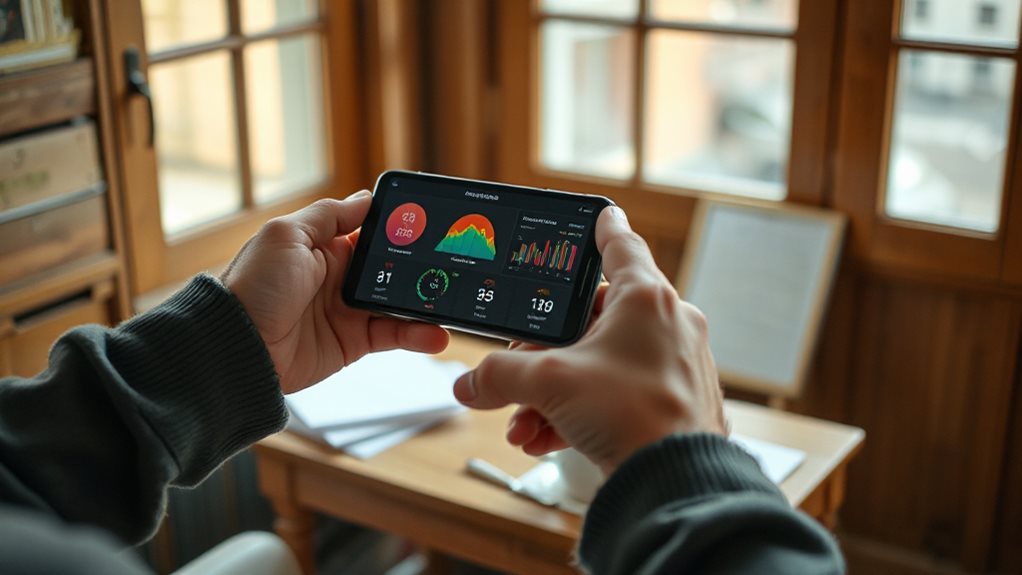
To get your hands on your actual Core Web Vital scores, you can start with Google’s own free tools, which give you the definitive data Google uses for its rankings. I always begin with PageSpeed Insights for a single URL snapshot, then move to Search Console for ongoing, no-setup monitoring.
For historical trends, tools like RUMvision provide that essential weekly view, showing if your fixes are actually working. You should also monitor site speed regularly as part of technical SEO to ensure optimal rankings.
Diagnose and Fix Your Largest Contentful Paint (LCP)
Now you’ll want to identify which element on your page is the LCP culprit, which you can do with Lighthouse in Chrome DevTools, and then implement targeted fixes.
I often find slow server response times or unoptimized hero images are the root cause, not some complex technical issue.
Improving this is straightforward: use a CDN, optimize your images, and eliminate render-blocking resources, which typically gets you under that 2.5-second threshold.
Choosing the right hosting setup also matters because server response times driven by hosting choices can have a big impact on performance and SEO.
Identifying Slow Elements
Since you’ve got your LCP score and know what it means, the next step is figuring out exactly which element on your page is causing the delay—because if you don’t pinpoint the specific culprit, you’ll likely waste time optimising things that won’t move the needle.
Use Lighthouse in Chrome DevTools or PageSpeed analysis; it will highlight the LCP element, which is usually a large, unoptimized hero image.
Implementing Loading Optimizations
Once you’ve identified which element is your Largest Contentful Paint culprit—often a hero image—you can start implementing targeted fixes that actually work, because throwing generic “optimizations” at your site without this focus is like trying to fix a leaky pipe by repainting the entire house.
Compress that specific image, add a fetchpriority hint, and eliminate any fancy shift on it. This directly attacks the 40% of LCP from resource load.
For your server, make certain a CDN is active to slash Time to First Byte.
Eliminate Layout Shifts and Stabilize Your Page (CLS)

Layout shifts frustrate visitors and hurt your search rankings, but you can prevent most of them by simply declaring size attributes for your images and videos.
I’ve fixed countless sites where an image loading without defined dimensions was the culprit, pushing the entire page layout down unexpectedly. Always specify width and height in your HTML; it’s a basic step that many overlook, but it tells the browser to reserve the correct space, stopping that annoying jump before the asset even loads.
Prevent Unexpected Movement
To prevent your page from jittering unexpectedly as it loads, you’ve got to tackle Cumulative Layout Shift (CLS)—it’s the metric that measures visual stability, and a poor score means elements are moving around after your visitor thinks the page is ready.
I always set explicit dimensions for images and ads, and avoid inserting content above existing elements. This reserves space, stopping buttons from fleeing under a user’s cursor.
Prioritize Size Attributes
Prioritizing size attributes is the single most effective fix you can implement to eliminate layout shifts and stabilize your page, and it’s something I check on nearly every site audit.
Explicitly set the `width` and `height` on all your images and videos. This simple step reserves space, stops content from jumping as things load, and directly tackles the most common CLS culprit I see.
Optimize for Instant Interactivity (INP)
You’ll want to treat your site’s responsiveness as a core business feature, not just a technical metric, because a page that feels sluggish when users click or tap is a page that loses conversions. The new INP metric measures this. Your goal is under 200ms.
Heavy JavaScript is the usual culprit, blocking the main thread. I prioritize optimizing code splitting and reducing long tasks first—it’s where you’ll see the biggest real-user gain.
From Faster Pages to More Revenue: Proving the Business Impact

Moving beyond the technical metrics, let’s connect the dots to what truly matters: your revenue. I’ve seen clients like Swappie gain a 42% mobile revenue increase from improving Core Web Essentials.
Conversely, a 100ms delay can cut conversions by 7%. This isn’t theoretical; faster pages directly lower bounce rates and increase sales. Your investment here is one of the few with a clear, calculable ROI.
And Finally
So, you’ve got the data. Now, the real work begins. I’ve fixed dozens of sites, and the pattern is clear: slow, janky pages cost you real visitors and sales. Don’t chase perfect scores; aim for consistent “good” ratings on LCP, INP, and CLS. It’s a technical task, but the payoff is a site that actually works for your business. Start with your biggest page, measure the impact, and build from there.


