You’re burning six hours every week pulling data from Google Search Console, wrestling spreadsheets into submission, and reformatting charts that’ll be outdated before your client opens the email. I’ve automated my entire reporting pipeline using tools like Coupler.io and Whatagraph to pull live data from 130+ sources into unified dashboards, which now generate client-ready PDFs in under five minutes. The real win isn’t just reclaiming those workdays—it’s that I finally trust my numbers because I eliminated the fat-finger errors that plague manual reporting. Set your parameters once, and you’ll wonder why you ever copy-pasted a CSV at 11 PM. What follows shows exactly which tasks to automate first and how to keep your automated reports honest.
TLDR
- AI pipelines connect GA4, Search Console, and rank trackers into unified dashboards instantly.
- Automated tools like Coupler.io pull from 130+ sources with one-time parameter setup.
- AI generates complete SEO reports including technical audits and competitor analysis in minutes.
- Weekly reporting time drops from six hours to near zero, reclaiming entire workdays for strategy.
- Real-time dashboards eliminate data lag and prevent costly 3 AM ranking surprises.
How Manual SEO Reporting Wastes 6 Hours Weekly

You probably don’t realise how much time you’re losing to manual SEO reporting until you actually track it—I’ve done the maths with dozens of teams, and six hours weekly is the conservative estimate.
You’re pulling data from Google Search Console, GA4, and PageSpeed Insights separately, piecing spreadsheets together, and manually formatting reports. Top Google ranking yields a 39.8% average click-through rate, yet most manual reports never surface this critical competitive insight to clients.
Agencies also risk profile suspensions when they cut corners on listings and reporting practices, creating extra work to rectify compliance issues.
How AI Cuts Reporting Time From Hours to Minutes
You’re probably pulling data from five different platforms right now, and I’ve been there—copying numbers into spreadsheets at 11 PM because nothing talks to each other. AI reporting tools change this by connecting GA4, Search Console, and your rank trackers into one automated pipeline that spits out clean charts without the usual manual slog. Small businesses can implement these AI-driven workflows with modest tools and clear templates to avoid hiring large teams.
I’ve watched teams reclaim entire workdays once they stop treating data aggregation as a part-time job; the real win isn’t speed alone, it’s that you finally trust your numbers because nobody’s fat-fingering formulas at midnight.
This mirrors the broader shift in SEO where 44.1% of tasks are now automated by AI, freeing professionals to focus on strategy rather than repetitive data work.
Automated Data Aggregation
How many hours have you lost this quarter manually copy-pasting metrics between Google Search Console, Google Analytics, and your rank tracking tools? I’ve watched teams burn entire Fridays reconciling spreadsheets that never quite match.
Automated aggregation changes this entirely. Tools like Coupler.io and Whatagraph pull live data from 130+ sources—CRMs, databases, GA4—into unified dashboards without the ETL headaches you’d expect. You set parameters once, and the system handles extraction, transformation, and loading while you focus on actual strategy.
The real payoff isn’t just speed; it’s eliminating those embarrassing moments when someone spots discrepancies between your “official” report and the live data.
Instant Report Generation
I still remember the 3 AM panic of rebuilding a client report after spotting a broken formula that’d been propagating errors for three weeks.
AI now generates thorough SEO reports in under five minutes—technical audits, competitor findings, keyword gaps, all client-ready.
You download PDFs instantly, freeing 10-20 weekly hours for actual strategy.
No more 3 AM surprises, just current data when you need it.
The Best AI Tools for Hands-Off SEO Reports

You’ve probably spent enough Sunday evenings manually assembling reports that could’ve generated themselves. The right automated dashboard solutions pull live data from search consoles, rank trackers, and AI citation sources without you lifting a finger, though you’ll want to verify they’re actually pulling what they claim—I’ve seen tools proudly display “real-time” data that lagged three days behind.
Real-time performance tracking matters because search volatility doesn’t wait for your weekly check-in, especially now that AI overviews can reshuffle visibility overnight. For professionals focused on measurable outcomes, selecting tools that deliver real measurable improvements in features, pricing, and effectiveness is essential.
Automated Dashboard Solutions
Where exactly does your time vanish when monthly reporting rolls around? I’ve watched agencies burn entire days stitching spreadsheets together, and frankly, it’s exhausting. White-label dashboards solve this cleanly. AgencyAnalytics handles large-scale client portfolios, while Whatagraph’s AI summaries start at $229. You’ll deliver branded reports without exposing your backend chaos—your clients see polished results, you reclaim your weekends.
Real-Time Performance Tracking
Stale data kills SEO decisions faster than algorithm updates, so you’re smart to demand real-time visibility into what’s actually happening across your properties.
I’ve watched campaigns crumble because weekly reports missed ranking drops until traffic tanked.
Tools like Semrush update every five minutes, AccuRanker refreshes on demand, and DebugBear catches Core Web Vitals regressions instantly.
You need this granularity—your competitors already have it.
Which Reporting Tasks to Automate First With AI
When you’re drowning in spreadsheets at 11 PM on a Friday, it’s usually because you’ve automated everything except the parts that actually matter. Start with data collection from your 80+ sources, anomaly detection for critical issues, and report generation that cuts 15 hours to 2. I’ve seen too many people automate scheduling first, which is backwards. Get your data flowing, your alerts working, and your insights compiling before you worry about pretty delivery. The rest follows naturally. A practical, step-by-step workflow for using ChatGPT in SEO tasks like content generation, keyword research, and meta descriptions can help maintain quality and avoid penalties.
How to Build an Automated SEO Reporting System That Works
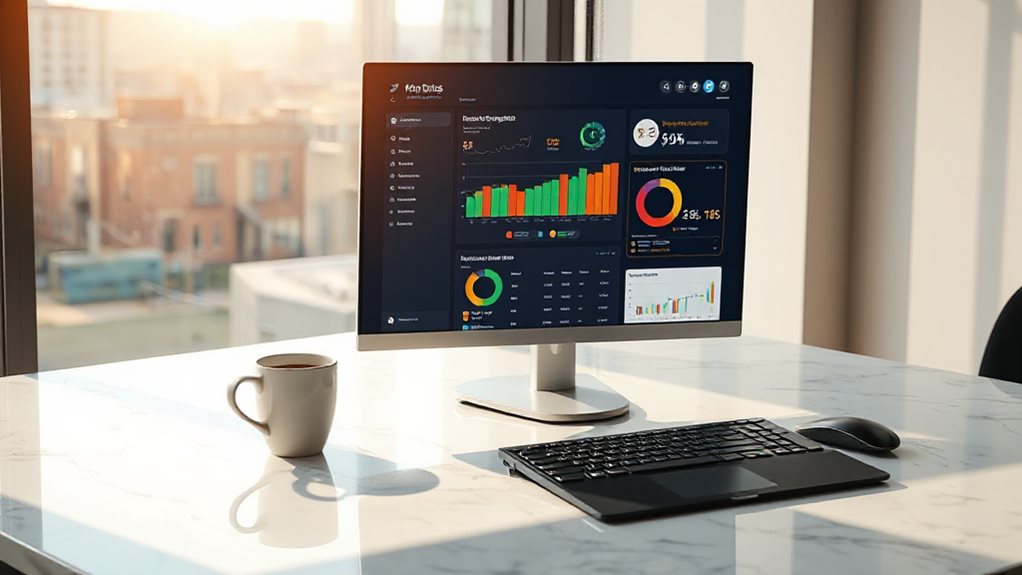
You’ve figured out which tasks to automate first, so now let’s talk about building a system that doesn’t fall apart the moment your client asks a question you didn’t anticipate.
Start by defining KPIs that actually match client goals—not vanity metrics that look impressive but mean nothing. I’ve seen too many reports stuffed with data that confuses rather than clarifies. Set proper benchmarks, too. Without baseline data, you’re just guessing whether progress exists.
Build your dashboard using modular tools or templates. SE Ranking’s drag-and-drop interface lets you assemble what you need without coding. Connect your data sources—Google Analytics, Search Console, and your rank tracking tool—so everything flows in automatically. Schedule deliveries, customize the appearance, and you’re done. The system runs itself, leaving you time for work that actually moves the needle.
Essential Metrics for AI SEO Reports (Plus 3 to Drop)
Why keep reporting metrics that AI search has quietly made obsolete? I’ve watched too many agencies parade isolated keyword rankings while missing what actually matters now. You need Share of Voice tracking across AI platforms, citation frequency from ChatGPT and Perplexity, and entity consistency across prompt variations. Drop isolated keyword rankings, CTR as your primary metric, and vanity traffic numbers that don’t correlate with revenue.
How to Verify Your Automated Reports Match Reality
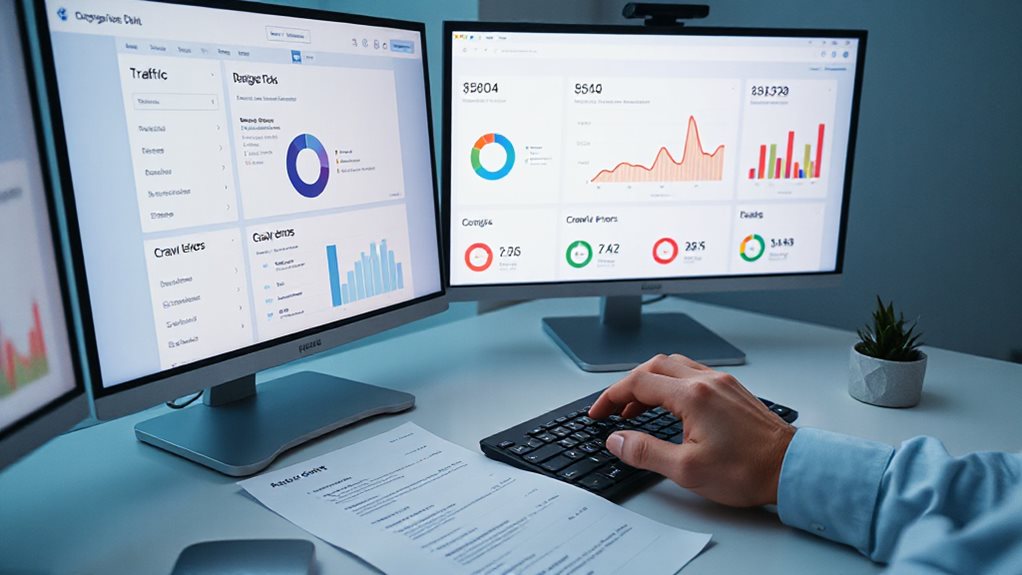
How exactly do you know your shiny new AI reporting dashboard isn’t feeding you digital fairy tales? I cross-reference my automated reports against Google Search Console and Analytics—first-party data doesn’t lie. I’ll check brand mentions across multiple AI platforms, run automated fact-checking tools for source validation, and layer in traditional SEO platforms like Ahrefs for anomaly detection. You’ll catch misinformation before it damages your strategy.
How Often to Audit Your Reports (Before Errors Reach Clients)
Once you’ve got your verification process locked down, the next question becomes how often you’re actually running it—because even the most thorough cross-checking routine won’t save you if you’re only doing it once a year while your site mutates beneath your feet. I audit my automated reports quarterly for most clients, monthly for e-commerce or high-velocity sites. Small sites get away with biannual checks, but I’ve seen “set it and forget it” cost people rankings. After algorithm updates or major migrations, I spot-check immediately—errors compound fast, and clients notice before you do.
And Finally
You’ve now got a clear path to reclaim those six hours weekly. Start with rank tracking and traffic summaries, add verification checkpoints, and build from there. I’ve seen too many agencies automate everything overnight, then scramble when clients notice discrepancies. Take the methodical route. Your future self, the one not copy-pasting charts at midnight, will appreciate it. Automation works when you stay involved, not checked out.


