How to Set Up Goals (Conversions) in GA4
Optimize your GA4 setup by learning how to define and track conversions effectively, so you can unlock valuable insights into your user actions and…
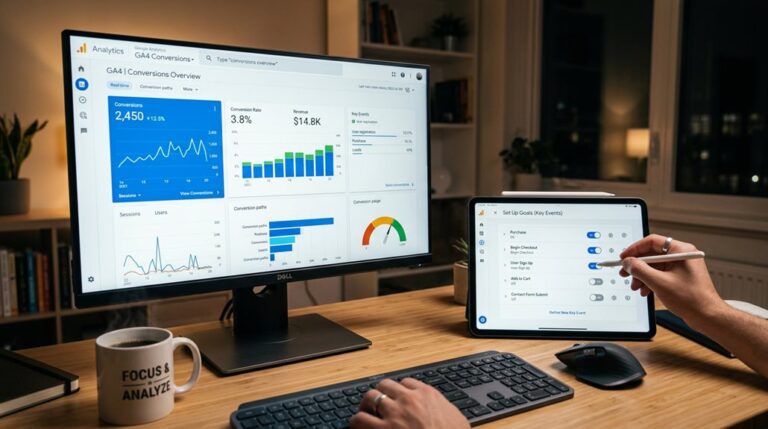
Optimize your GA4 setup by learning how to define and track conversions effectively, so you can unlock valuable insights into your user actions and…

To track conversions in GA4, you first set up key events—like sign-ups or purchases—using Google Tag Manager or direct code snippets. Next, mark those events as conversions in GA4’s admin panel, which signals the system to report on them. Confirm your tags trigger correctly with thorough testing in DebugView, and wait 24-48 hours for data…