Best WordPress Hosting Under $10 a Month
If you’re after reliable WordPress hosting under $10 a month, focus on providers that offer solid uptime, decent load times—around 2.5–3 seconds—and good support, ideally 24/7 live chat or tickets. Beware of hidden renewal costs and resource limits that can throttle your site during traffic spikes. Use hosts that include free SSL and offer straightforward backup options, or plan external solutions. Stick to these essentials, and you’ll avoid many budget hosting pitfalls; more details ahead.
TLDR
- Look for providers offering reliable uptime (above 99.83%) and fast load times within the $10 budget.
- Ensure the hosting includes essential features like free SSL, basic caching, and adequate storage.
- Check for 24/7 support options, even if basic, to handle potential issues promptly.
- Review renewal rates and potential hidden costs before committing to a low-cost plan.
- Prioritize hosts with good reputation for stability and performance suitable for small to medium sites.
What Features Matter Most in Affordable WordPress Hosting Under $10?

When evaluating affordable WordPress hosting under $10, the most essential features often boil down to core essentials that keep your site running smoothly without breaking the bank. Performance, storage, and caching directly impact site speed, while a free SSL certificate enhances security. Reliable customer support and backup options are crucial, but check if they’re included within your budget to prevent surprises. Additionally, consider the load time performance of the hosting provider, as this directly affects your site’s speed and user experience. Choosing a host that optimizes server-level configuration can make a significant difference in your site’s overall performance.
Top Budget WordPress Hosts Under $10 You Can Trust
If your budget limits you to spending under $10 a month on hosting, there are several reputable providers that deliver reliable WordPress environments without the usual premium price tag. However, it’s important to consider how local search strategies can influence your site’s visibility and traffic quality, ensuring you’re not just attracting visitors but the right ones. Regularly evaluating whether your SEO efforts are delivering real business value can help you decide if your current hosting and marketing strategies are effective or need adjustments.
How Do Performance and Reliability Compare at This Price?
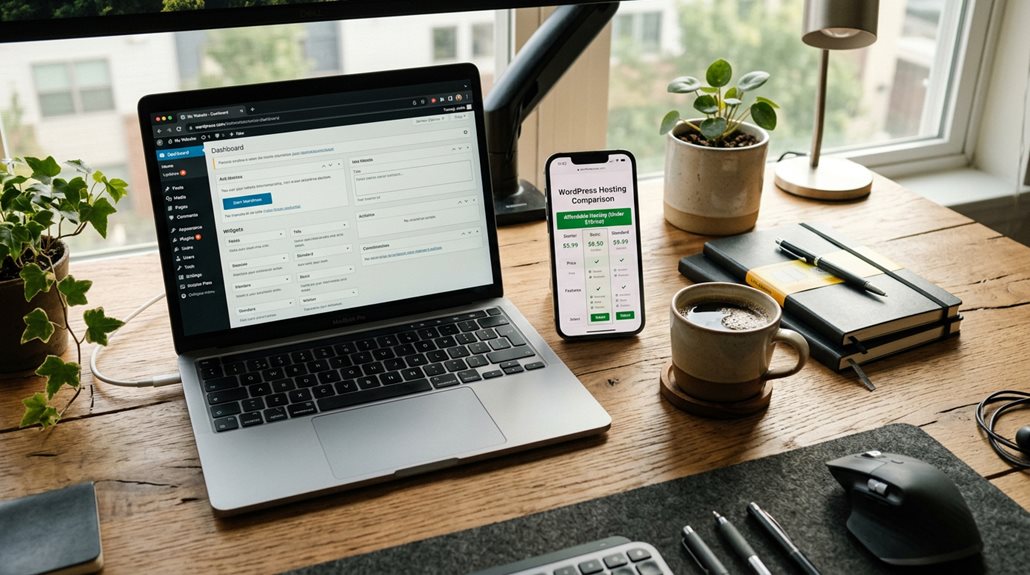
At this price point, performance and reliability are generally decent but not exceptional—think of it as the economic car of hosting options. Uptime typically stays above 99.83%, and load times hover around 2.5 to 3 seconds, thanks to basic cache and CDN use. During traffic spikes, server resources may strain, affecting speed and overall performance metrics, but stability remains solid for small to medium sites. However, as shown in the Affordable Hosting Showdown, these hosts often have limited resources that can impact performance during high traffic periods. Understanding robots.txt configuration can help small business websites optimize their crawl efficiency and prevent unnecessary server load during such times.
What Support and Backup Options Do Budget Hosts Offer?

Most budget hosting plans, like those under $10 a month, include basic support options such as 24/7 live chat or ticket systems. However, support quality and response times vary.
- Backup options are often limited or paid extras, with automatic backups rarely included.
- Support may involve longer waits or less detailed help, especially on lower-tier plans.
- Backup reliability depends on the provider’s backup features, often requiring external solutions.
- Ensuring safe automation involves understanding the limitations and avoiding practices that could trigger Google penalties or spam filters.
What Limitations and Hidden Costs Should You Expect?
Many low-cost hosting plans hide their true costs behind renewal prices that double or triple after the first year, so what seems affordable now mightn’t be in the long run.
Expect restrictions on server resources like CPU and RAM, which can quietly throttle your site’s performance during traffic spikes — a common frustration if you’re not prepared.
Additionally, watch out for hidden fees for domain registration, SSL certificates, or migration services; these costs can catch you off guard and complicate budgeting.
Hidden Pricing Strategies
While many hosting providers promote low monthly rates under $10, the real cost often lurks behind the initial price tag. Be aware of:
- Rising renewal rates that can triple your initial fee
- Hidden costs like SSL, backups, or migration charges
- Aggressive upselling during checkout, pushing higher-tier plans or add-ons
Understanding these strategies helps you avoid surprises and make smarter hosting decisions.
Service Limitations
A dollar saved on hosting often comes with strings attached—restrictions that can quietly hobble your website’s growth or lead to unexpected costs.
Expect storage limitations, resource caps, and feature restrictions that might slow performance during traffic spikes.
Hidden costs like renewal price hikes, upgrade fees, and additional add-ons for advanced features can quickly turn affordable plans into costly surprises.
Which Budget WordPress Host Is Best for Small Websites and Agencies?
When choosing a budget WordPress host for small websites or agencies, your main concerns should be reliability, performance, and ease of use—without overspending.
Consider these options:
- Hostinger: Affordable plans from $2.69/month, user-friendly, solid performance.
- DreamHost: Unlimited websites and storage at $6.99/month, great for small sites and agencies.
- Namecheap: Managed WordPress plans starting at $4.07/month, low-cost options with good speed.
And Finally
Choosing the right WordPress host under $10 requires balancing features, performance, and support without falling into hidden costs. Focus on reputation, uptime, and backup options—these matter more than flashy promises. Be wary of limits that may hinder growth, and don’t assume cheaper means less reliable; some hosts deliver solid service if you know what to look for. With careful selection, you can run a small site efficiently without overspending or sacrificing critical features.