Best WordPress Hosting for WooCommerce Stores
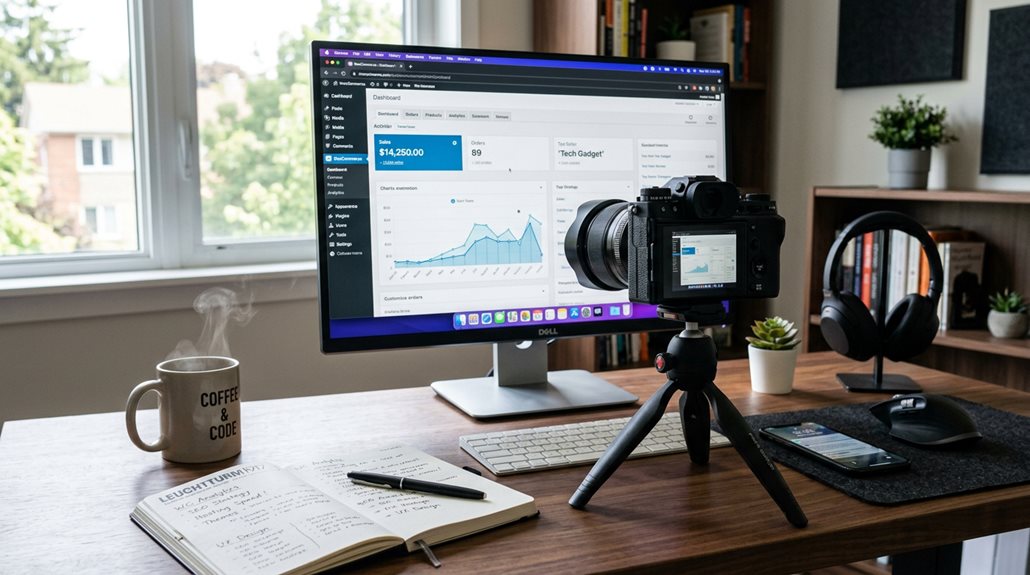
The best WordPress hosting for WooCommerce stores balances speed, security, and scalability, customized specifically for eCommerce needs. Look for providers offering automatic backups, built-in caching, CDN support, and WooCommerce-specific security. Managed hosts like WP Engine, Kinsta, or Nexcess excel in uptime and performance during traffic spikes. Avoid generic hosting, which often underdelivers on essential eCommerce features. Keep in mind, a solid host won’t just keep your site fast; it’ll support your growth as well—if you’re willing to learn more, this gets interesting.
TLDR
- Choose hosting providers optimized specifically for WooCommerce, offering features like built-in caching, security, and scalability.
- Prioritize high uptime guarantees, fast load times, and support for traffic spikes during peak sales periods.
- Ensure the host provides automatic backups, security protocols, and easy site migration options for seamless management.
- Opt for managed WooCommerce hosting providers such as WP Engine, Kinsta, or Nexcess for reliable performance and support.
- Look for hosting with CDN support, PHP 8 compatibility, and server-side caching to enhance store speed and user experience.
What Is WooCommerce Hosting and Why Does It Matter?

WooCommerce hosting isn’t just about slapping a store onto a generic web server and hoping for the best; it’s about having a platform specifically optimized for eCommerce needs.
Managed WooCommerce hosting improves store performance, supports high traffic handling, offers automatic backups, and security measures.
It also scales resources efficiently, ensuring your store stays fast, secure, and ready for growth—no surprises, just reliable hosting. Additionally, choosing a hosting platform with white-label reporting features can help agencies better manage multiple client stores seamlessly.
Understanding performance optimization is crucial, as it directly impacts your store’s speed and user experience, especially during traffic spikes.
Key Features to Look for in WooCommerce Hosting
When evaluating WooCommerce hosting options, the key features you need aren’t just nice-to-haves—they’re essentials for maintaining a reliable, fast, and secure store.
Look for built-in caching like Redis or Memcached.
Support for sufficient PHP workers.
CDN support to serve global customers.
And automatic vertical scaling for traffic spikes.
Prioritize automated backups and security customized specifically for WooCommerce.
Additionally, ensure the hosting provider has clear suspension policies to prevent unexpected account disruptions.
Understanding how hosting choices influence website speed and SEO can help you make more informed decisions that benefit your store’s performance and visibility.
How to Choose the Right Hosting Tier as Your Store Grows
As your store’s traffic and product selections expand, the hosting plan you started with may no longer cut it. Monitoring key performance metrics helps you spot when scaling is needed. Upgrades to managed VPS or cloud hosting offer better resources, enabling seamless vertical or auto-scaling. Moving to enterprise hosting becomes necessary when handling millions of visitors or complex multi-region setups. Utilizing streamlined hosting platforms designed for agencies managing multiple WordPress sites can also simplify the management process as your store grows. Additionally, choosing a host with proven load time performance ensures your site remains fast and responsive as your traffic increases.
Best Managed WooCommerce Hosting Providers in 2026
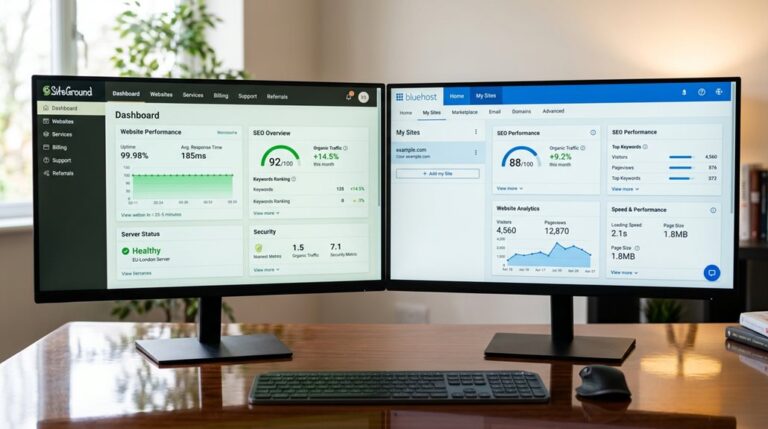
Choosing the right managed WooCommerce hosting provider in 2026 means focusing on reliability, scalability, and support customized to your store’s needs. Top providers like WP Engine, SiteGround, Kinsta, Liquid Web’s Nexcess, and Pressable offer enterprise-grade features, automatic updates, high performance, and uptime guarantees. Their support staff guarantees you’re never left in the dark during peak traffic. Ensuring your hosting environment is optimized for SEO performance can significantly impact your store’s visibility and sales growth.
Security and Speed Tips for a Safe, Fast WooCommerce Store
Securing and speeding up your WooCommerce store isn’t just about installing a plugin or flipping a switch; it requires a strategic approach rooted in proven techniques.
Use SSL certificates to encrypt data. Activate caching mechanisms like CDN integration and server-side caching to reduce load times.
Optimize images with lazy loading.
Regular malware scanning and real-time backups protect your store while conserving server resources.
Scaling Your WooCommerce Store: Solutions for Traffic Surges
When your WooCommerce store experiences traffic surges, it’s vital to have a plan that keeps everything running smoothly without breaking the bank or losing sales.
Managed WooCommerce hosting with auto-scaling handles traffic spikes by adjusting resources instantly.
Combining object caching, content delivery networks, and regular monitoring guarantees your site maintains peak performance, even during the busiest moments.
Developer-Friendly Features That Make WooCommerce Hosting Easier
When choosing WooCommerce hosting, look for those that offer advanced customization options and streamlined development tools—you’ll find they save hours of frustration in the long run.
Features like staging environments, PHP version control, and Git integration aren’t just nice extras; they’re essentials for efficient, safe updates and testing.
Ignoring these practical tools often leads to broken sites or sluggish workflows, which nobody has time for in a busy store.
Advanced Customization Options
Advanced customization options are the backbone of a developer-friendly WooCommerce hosting environment, allowing you to tailor your store’s performance and functionality precisely to your needs.
With staging environments, SSH access, and control over plugin updates, you can test changes safely.
Support for multiple PHP versions, caching mechanisms, and automated deployment streamline workflows and guarantee your store runs smoothly under any load.
Streamlined Development Tools
Streamlined development tools are essential for anyone who wants to move beyond basic WordPress setup without pulling their hair out. Features like staging environments, Git integration, and environment management make testing and deploying easier. With one-click installations, caching, debugging tools, and support for multiple PHP versions, you’ll reduce errors and optimize performance efficiently.
| Feature | Benefit |
|---|---|
| Staging environments | Test updates safely before going live |
| Git integration | Streamline code deployment and version control |
| Debugging tools | Quickly identify and fix issues |
Comparing Top WooCommerce Hosting Options: Which Is Best for You?
Choosing the right WooCommerce hosting requires more than price comparisons or flashy features; it’s about matching the environment to your store’s needs and growth plans.
Consider managed hosting options with strong support, performance, and scalability, like SSL certificates and resources customized for eCommerce.
Evaluate technical specs such as server location, PHP limits, and CDN integration for maximum speed and reliability.
Tips for Migrating and Optimizing Your WooCommerce Store
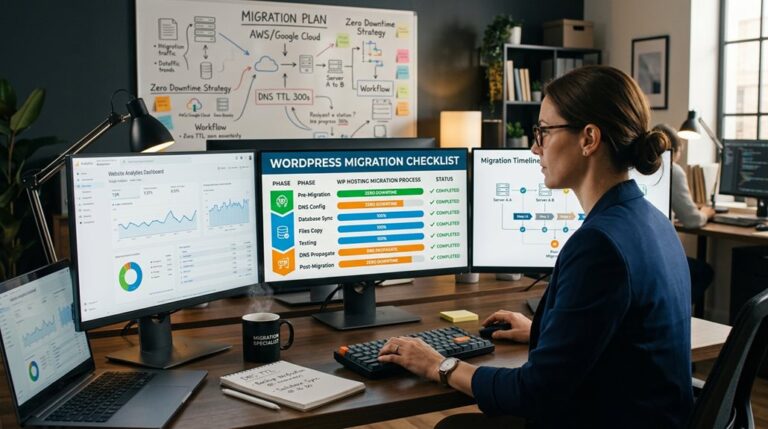
To facilitate a smooth migration, start by backing up everything—files, database, and all—because losing data is a mistake you only make once.
Use migration tools or support from your hosting provider, and clear out cache, deactivate unnecessary plugins, and confirm all themes and extensions are current before making the switch.
Afterward, test thoroughly on a staging site, update DNS records promptly, and monitor performance closely to avoid surprises—because the goal is a seamless transition, not a site outage with a side of frustration.
Seamless Migration Strategies
Migrating your WooCommerce store doesn’t have to be a nerve-wracking ordeal if you approach it with a solid plan.
- Use a staging environment to test the transfer, ensuring plugins and themes work smoothly.
- Back up your entire site beforehand to prevent data loss during migration.
- Collaborate with your support team to minimize downtime and optimize performance post-migration.
A clear strategy keeps stress low and results professional.
Speed Optimization Techniques
Speed is often the hidden bottleneck in WooCommerce migrations, yet it’s also one of the easiest to optimize if you know where to focus.
Use SSD storage and configure server-side caching to cut load times. Implement a CDN for global speed, optimize images, and utilize PHP 8 with PHP-FPM.
Proper server configuration and adaptable content management are essential for a smooth, fast store.
Security Best Practices
Security concerns often get overlooked during migration, but neglecting them can lead to costly breaches or data loss. To protect your WooCommerce store, make certain you:
- Use SSL certificates for encrypted data transfer and customer security.
- Perform security scans, malware removal, and verify firewalls, DDoS protection, and secure SSH access.
- Set up automatic backups for easy restoration, minimizing downtime and potential disaster.
And Finally
Choosing the right WooCommerce hosting isn’t about chasing the latest shiny features, but about understanding your store’s actual needs and growth path. Focus on reliable security, speed, and developer-friendly tools—these are the foundations that keep customers happy and your operation smooth. Avoid common pitfalls like underestimating traffic surges or neglecting backups. With practical, well-informed decisions, you’ll build a resilient store that scales confidently without unnecessary complexity or expense.