Best Image Compression Plugin for WordPress
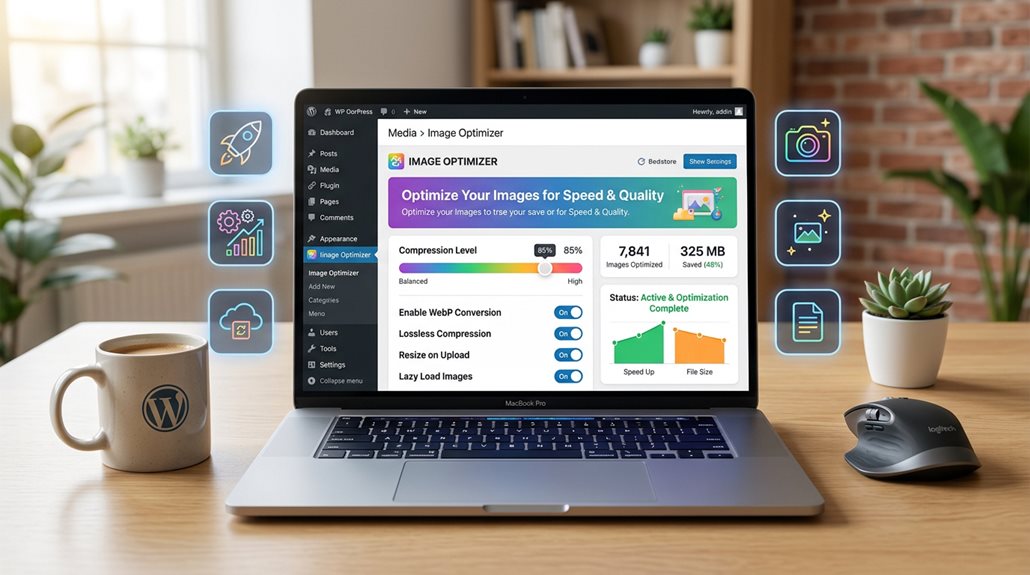
The best WordPress image compression plugin for speed and quality combines WebP conversion, lossless and lossy options, and automatic optimization—plugins like ImageOptim or ShortPixel excel here. They strike a practical balance between reducing file sizes without losing clarity and support formats like GIFs and PDFs. Ease of setup, continuous updates, and good support matter, but beware of over-compression, which creates artifacts and layout shifts. Stick with proven tools, and you’ll optimize efficiently—keep going to uncover the finer details.
TLDR
- Look for plugins supporting modern formats like WebP and AVIF for optimal compression and quality balance.
- Choose plugins with easy setup, user-friendly interfaces, and bulk optimization features for efficient media management.
- Prioritize options offering both lossless and lossy compression to tailor image quality and size reduction.
- Ensure compatibility with various media types and seamless format conversion to maintain media flexibility.
- Consider plugins with active support, regular updates, and cost-effective plans to ensure long-term reliability.
Which WordPress Image Compression Plugin Is Best for Speed and Quality?
When it comes to choosing the best WordPress image compression plugin for speed and quality, the key is understanding that not all tools deliver the same balance.
Optimole leads with its WebP conversion, lossless compression, and strong image file size reduction, enhancing performance scores.
For real-time optimization, CDN integration, lazy loading, and bulk image optimization are essential, but simplicity often beats complexity.
Additionally, avoiding common AI SEO pitfalls ensures the content remains valuable, compliant, and better positioned to rank effectively. Incorporating image optimization limits helps prevent performance issues and ensures sustainable site speed improvements.
What Features Matter Most When Choosing an Image Compression Plugin?
When selecting an image compression plugin, balancing quality and file size is crucial, especially since modern formats like WebP and AVIF can substantially reduce images without sacrificing clarity. Compatibility across various formats, including GIFs and PDFs, guarantees you don’t leave media assets unoptimized, which can otherwise undermine site speed. Additionally, choosing a plugin that supports automated bulk optimization can save significant time and effort in maintaining your website’s media library. Ultimately, you want a tool that automates tedious tasks like bulk optimization and format conversion without adding complexity or breaking your workflow. Additionally, understanding Google Business Profile suspension policies can help you choose a plugin that ensures your images remain compliant with platform standards.
Compression Quality Balance
Achieving the right balance between image quality and file size isn’t about finding a magic button, but rather about selecting features that give you control over the compression process.
Support for lossless and lossy compression, WebP and AVIF formats, quality sliders, and adaptive algorithms help fine-tune the image quality balance.
Preserving image metadata and format flexibility guarantee consistent results without surprises.
Format and Compatibility
Choosing the right image compression plugin hinges on its format support and compatibility with your existing tools.
After all, a plugin that only compresses JPEGs won’t cut it if your site relies heavily on PNGs, GIFs, or PDFs.
Focus on WebP support, AVIF compatibility, and multi-format handling, ensuring seamless format conversion, browser support, and media compatibility.
Additionally, it’s important to retain image types and metadata during format processing.
How Do Compression Techniques Affect Your Website’s Performance?
Effective image compression can make or break your website’s performance, especially if you underestimate its importance. Lossless compression preserves image quality but offers limited size reduction. Lossy compression and WebP conversion considerably cut file sizes, improving page load speed and Core Web Vitals. Over-compression risks image artifacts, degrading user experience and causing layout shifts. Proper techniques guarantee faster, responsive images via CDN delivery. Additionally, choosing the right compression tools can streamline this process and maximize performance gains. Implementing optimized image formats can further enhance your site’s speed and SEO.
How Easy Is It to Set Up and Use These Plugins?
Most popular image compression plugins for WordPress are designed with simplicity in mind, often requiring just a few clicks to install and activate. Their user interfaces are straightforward, with clear options that don’t demand a technical degree to understand, which means you can get started quickly without getting lost in settings. In my experience, the biggest mistake users make is overcomplicating their choices—remember, simplicity often produces the best results without unnecessary hassle. Additionally, leveraging low-competition, high-value keywords can help you optimize your content more effectively.
Ease of Installation Process
Setting up image compression plugins usually isn’t the digital equivalent of assembling furniture without instructions. Most plugins like Smush or Imagify streamline plugin installation with a quick setup:
- One-click activation simplifies the initial setup.
- Default settings often optimize images immediately.
- The plugin dashboard guides configuration with minimal effort.
- SaaS options add steps but remain user-friendly, ensuring a smooth, hassle-free installation process for busy professionals.
User Interface Simplicity
Exploring the user interface of image compression plugins is often less about deciphering complex menus and more about recognizing straightforward workflows. Most plugins, like Imagify and ShortPixel, offer simple dashboards with clear options for bulk optimization and automatic processes.
Easy setup and plugin usability make these beginner-friendly tools efficient, with features like lazy loading enhancing performance without demanding technical proficiency.
What Are the Real Results and Benefits of Using a Top Image Compression Plugin?
Implementing a top-tier image compression plugin can make a tangible difference in how your website performs — and it’s often more straightforward than many assume.
- Crucially improves website performance through file size reduction and WebP conversion.
- Elevates Core Web Vitals, enhancing search rankings and user experience.
- Enhances mobile performance and page load speed, especially on image-heavy sites.
- Delivers bandwidth savings and better user engagement with optimized images.
How Do Support, Compatibility, and Updates Impact Your Choice?

Choosing the right image compression plugin isn’t just about reducing file sizes; support, compatibility, and updates are critical for your site’s stability and security.
Consistent updates guarantee compatibility with current web standards, PHP, and WordPress versions.
While active development and community contributions help prevent plugin conflicts.
Reliable support with timely bug fixes and security patches keeps your site running smoothly and securely.
What Is the Best Value and Cost-Effective Solution for Your Needs?
When it comes to selecting an image compression plugin, cost-effectiveness and value often top the list, especially for small to medium websites on tight budgets. Consider these options:
- ShortPixel offers a free plan with 100 images/month and affordable paid plans, providing good image optimization and WebP conversion.
- Imagify provides around 200 free images and competitive pricing, enhancing site speed.
- Optimole supports high traffic with automatic optimization and CDN.
- Smush offers unlimited free optimization but lacks lossy compression.
And Finally
Choosing the right image compression plugin isn’t about chasing the flashiest features but focusing on reliability, ease of use, and actual impact on load times. In my experience, a well-optimized plugin that balances speed and quality, stays updated, and fits your budget delivers the best ROI. Don’t fall for the myth that bigger savings come from complex solutions—simple, proven tools often outperform hype. Prioritize what works in the real world, and your site’s performance will speak for itself.