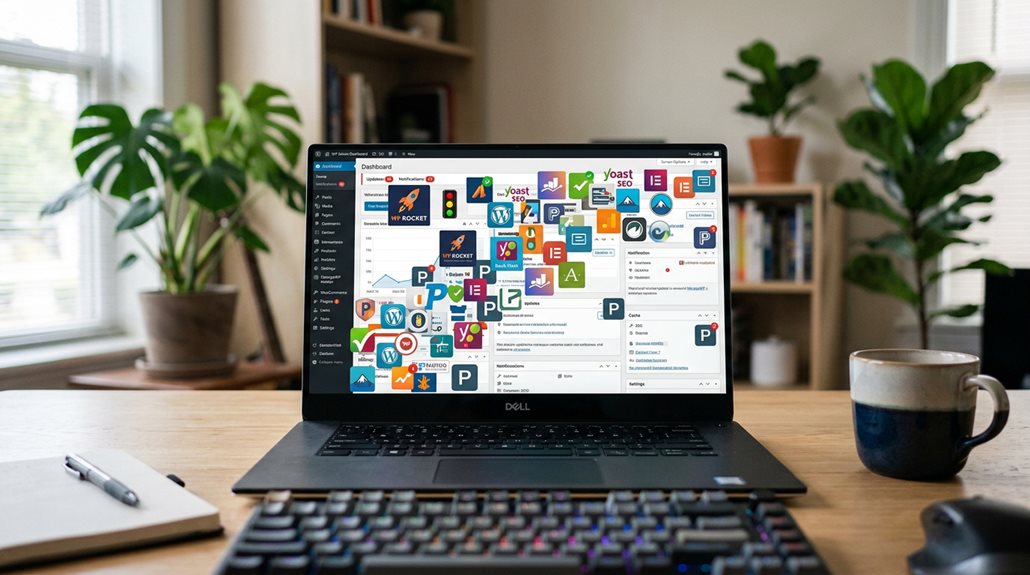
Does Having Too Many Plugins Actually Hurt SEO?
Having too many plugins can definitely hurt your SEO because they slow down your site, introduce conflicts, and may create security vulnerabilities. Slow load times harm your rankings, and conflicting code can cause errors or crashes that frustrate visitors. The key is trimming unnecessary plugins and choosing well-coded, essential ones instead. Getting this right prevents the common pitfalls and keeps your site fast, stable, and trustworthy—something search engines and users both appreciate. Keep going to uncover more practical tips to streamline your setup.
TLDR
- Excess plugins increase site load times, negatively impacting SEO rankings.
- Conflicting scripts from multiple plugins can cause errors, reducing site responsiveness and user experience.
- Outdated or poorly coded plugins create security vulnerabilities, risking penalties and trust loss.
- Plugin bloat adds unnecessary code, slowing down site speed and diminishing on-page SEO signals.
- Regular plugin audits and minimal essential plugins help maintain optimal site performance and SEO.
How Excess Plugins Slow Down Your WordPress Site and Hurt SEO

Excess plugins are one of the most common culprits behind slow WordPress sites—and it’s no coincidence that many of the most sluggish websites tend to be heavily plugin-dependent.
Each plugin adds JavaScript and CSS files, which can delay site speed and harm your SEO rankings.
Too many conflicting scripts, especially jQuery mismatches, make your site sluggish and less responsive, hurting user engagement and search performance.
Additionally, plugin conflicts can introduce silent errors, which degrade site stability without obvious signs of trouble.
Overloading your site with plugins can also lead to security vulnerabilities, making your website more susceptible to attacks and further affecting your SEO efforts.
Why Too Many Plugins Cause Conflicts and Site Failures
When you stack up too many plugins, conflicts become almost inevitable—like incompatible scripts fighting for the same resources, which can cause errors or even crash your site. These issues often result in downtime or a broken dashboard, and fixing them can be a time sink you didn’t plan for. Moreover, hidden technical costs from excessive plugins can gradually degrade your site’s performance and SEO. Regularly assessing plugin performance and security can help prevent these issues before they escalate.
Plugin Conflicts and Errors
Having too many plugins installed on your WordPress site can lead to a cascade of conflicts that undermine both functionality and SEO performance. These plugin conflicts and errors often arise from:
- Conflicting JavaScript and CSS files
- Different library versions, like jQuery
- Outdated or poorly coded plugins
- Site crashes or slowdowns
- Increased security vulnerabilities
Managing plugins carefully reduces errors and site failures.
Site Downtime Risks
Installing too many plugins might seem like a quick way to add features, but it considerably raises the risk of site downtime. Plugins conflicts often cause errors or break website functionality, making your site inaccessible or unstable.
Outdated or poorly maintained plugins increase these risks, and the more you add, the higher the chance of compatibility issues that threaten your site’s stability.
How Overloaded Plugins Reduce User Engagement and Trust
Overloading your website with plugins often seems like an easy way to add functionality, but it can backfire by reducing user engagement and trust. Excess plugins slow load times, inject unnecessary scripts, and cause errors.
To avoid this, keep plugins lean, test for conflicts, and prioritize speed. Faster sites retain visitors longer and build confidence—less is more when it comes to plugins.
Security Risks of Using Too Many or Nulled Plugins
Using nulled or pirated plugins might seem like an easy shortcut to access premium features without paying, but it often releases a Pandora’s box of security risks.
These plugins can contain malicious code, leading to malware infections, data breaches, and site crashes.
Without official updates, vulnerabilities remain, exposing your website to long-term security threats—trust me, it’s not worth the gamble.
Additionally, Safe AI Strategies for Local SEO Automation emphasize the importance of maintaining secure and compliant tools to avoid penalties and spam filters. Running outdated or compromised plugins can also negatively impact your website’s on-page signals, which are crucial for local SEO performance.
How Plugin Bloat and Neglect Damage Your Search Rankings

When your website becomes cluttered with too many plugins, it’s not just a matter of having extra features—it’s a recipe for performance issues that can tank your SEO.
Plugin bloat can slow load times, increase conflicts, and make your site vulnerable. To improve search rankings, keep your plugins lean, regularly update, and remove those unnecessary or outdated ones.
Additionally, poorly coded or overly complex plugins can introduce performance issues, further degrading your site’s speed and reliability.
Simple Strategies to Limit Plugins Without Losing Functionality
The key to limiting plugins without sacrificing functionality is to focus on core features that truly drive value, rather than adding every shiny tool you find.
Regularly auditing your plugins—removing outdated or redundant ones—keeps your site lean and reduces the risk of conflicts or security issues.
Trust me, a well-maintained plugin setup often outperforms a cluttered one, and your site speed will thank you.
Prioritize Core Functions
Focusing on core functions is one of the most straightforward ways to keep your website lean and speedy, and it’s often overlooked in the quest for bells and whistles.
Prioritize core functions by:
- Eliminating unnecessary plugins or themes
- Replacing multiple plugins with custom code
- Using integrated solutions for overlapping features
- Avoiding redundant plugins
- Streamlining your setup for faster load times and better SEO.
Regular Plugin Audits
Conducting regular plugin audits is one of the most effective ways to keep your site lean and operating smoothly.
By routinely reviewing your plugins, you remove unnecessary or duplicate tools, which improves website performance and load times.
Limiting plugins guarantees stability, reduces security risks, and keeps everything compatible with updates—all essential for maintaining a fast, secure, and SEO-friendly site.
How to Safely Remove Unnecessary Plugins and Keep Your Site Lean
Removing unnecessary plugins is one of the most straightforward ways to improve your website’s speed and stability, but it’s not as simple as hitting delete and hoping for the best.
- Audit your plugins regularly to identify redundancies.
- Remove overlapping plugins that serve the same website needs.
- Keep your plugins updated and monitor their impact.
- Test site speed before and after removal.
- Backup your site to avoid data loss.
Best Practices for Maintaining a Fast, Secure, and Reliable WordPress Site
Maintaining a fast, secure, and reliable WordPress site requires a disciplined approach rooted in best practices and informed decision-making.
Limit your WordPress Plugins to essential, well-coded options, regularly remove outdated ones, and keep everything up to date.
This minimizes site load times, prevents conflicts, and maintains site speed, ultimately supporting stronger SEO and a smoother user experience.
And Finally
In my experience, keeping your plugin count lean isn’t just about speed—it’s central to your SEO health. Overloading with plugins introduces conflicts, security issues, and performance lags that Google detects and penalizes. The key is to regularly audit, prune unnecessary tools, and choose quality over quantity. Remember, a streamlined site not only ranks better but also builds user trust. Focus on essentials, stay vigilant, and avoid the trap of “more is better”—it rarely is.