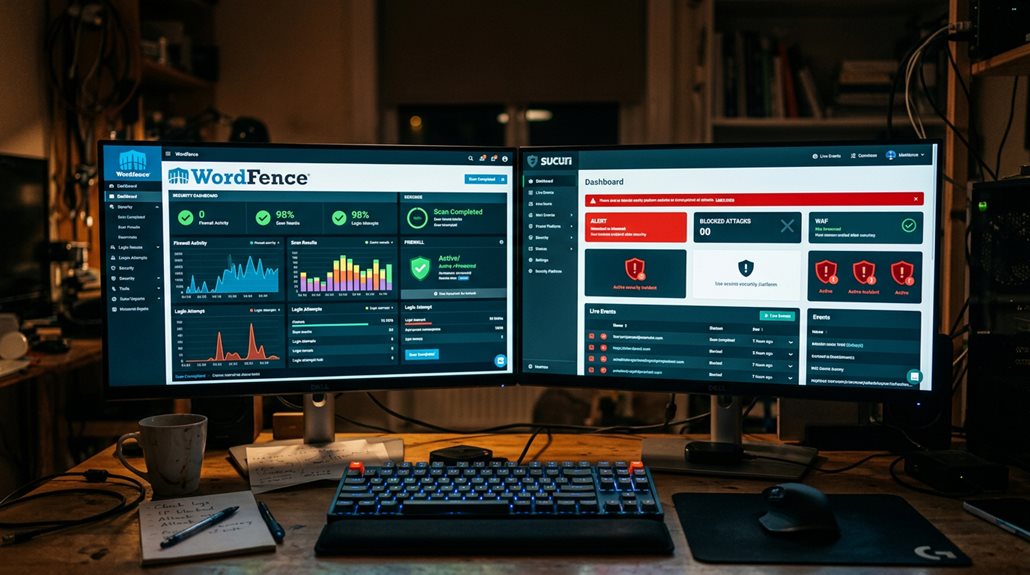
Wordfence vs Sucuri: Which WordPress Security Plugin Wins?
If you want quick, straightforward protection, Wordfence is easier to set up and keeps you informed with real-time threat data, but it can strain your server and miss some intricate threats. Sucuri offers more all-encompassing security with a cloud firewall that filters traffic before it hits your site, giving better overall coverage but requiring DNS changes. Ultimately, your choice hinges on your site’s size, threat level, and patience for setup—continue on, and you’ll find out which suits your needs best.
TLDR
- Wordfence offers easier setup with local firewall and malware scanning, ideal for quick deployment and smaller sites.
- Sucuri provides cloud-based filtering and DDoS protection, delivering broader security coverage for high-traffic or high-risk sites.
- Wordfence may impact server resources, while Sucuri minimizes server load with its CDN and cloud firewall.
- Sucuri’s comprehensive features, including unlimited malware removal, generally offer stronger overall security.
- The best choice depends on your site’s size, security needs, and budget, with Wordfence suited for smaller sites and Sucuri for larger, riskier sites.
What Are the Key Differences Between Wordfence and Sucuri?

The key differences between Wordfence and Sucuri mainly boil down to how they approach website security and threat mitigation.
Wordfence uses a local firewall and malware scanning, relying on server resources and detailed security controls.
Sucuri routes traffic through its cloud-based firewall, offering all-encompassing threat filtering, DDoS protection, and external attack mitigation. This provides a more solid security framework.
Additionally, understanding how to implement Safe AI Strategies for Local SEO Automation can help prevent potential penalties or spam issues when enhancing your site’s security and performance.
Being aware of plugin performance and security risks can further aid in choosing the most reliable security solution for your WordPress site.
How Do Malware Scanning and Detection Compare?
When it comes to malware detection, the two plugins take markedly different approaches that reflect their underlying designs. Wordfence relies heavily on its signature database, enabling effective file scanning for known threats, while integrating threat intelligence and real-time updates. Sucuri, meanwhile, emphasizes server-level scanning and external filtering, which can miss database infections or core file issues, increasing false negatives. Additionally, understanding how proximity influences security visibility can help businesses better assess their vulnerabilities and prioritize defenses. Recognizing the detection methods each plugin employs can also guide users in choosing the most comprehensive security solution for their specific needs.
Which Firewall Is Easier to Set Up and More Effective?
Setting up a firewall for your WordPress site can be straightforward or a bit of a headache, depending on which option you choose.
- Wordfence’s plugin activates easily without DNS changes.
- Sucuri’s cloud firewall needs DNS settings adjustment.
- Wordfence improves threat protection with updates.
- Sucuri offers higher immediate malware blocking.
- Ease of setup favors Wordfence, but security effectiveness leans toward Sucuri
However, it’s important to consider that WordPress updates can sometimes cause SEO disruptions if not handled carefully.
How Do They Handle Vulnerability Detection and Login Security?

While vulnerability detection and login security are both critical to safeguarding your site, they’re handled quite differently by Wordfence and Sucuri.
Wordfence performs malware scanning, vulnerability detection through core, plugin, and theme scans, and offers strong login security like two-factor authentication and login attempt limits.
Sucuri emphasizes threat intelligence updates, incident response, and filtering malicious traffic but lacks integrated login security features. Additionally, the effectiveness of their security measures can be impacted by legacy website issues, which may require comprehensive solutions beyond just plugin features.
Furthermore, the impact of bloated WordPress themes on site performance can indirectly affect security, as slower sites may be more vulnerable to certain types of attacks.
What Is the Impact of Each Plugin on Website Performance?
Both Wordfence and Sucuri impact website performance differently, mainly because of how they handle resource usage and load times.
Wordfence’s server-side scans can bog down your site, especially on shared hosting.
Meanwhile, Sucuri’s cloud-based firewall minimizes server strain and keeps load times faster.
Understanding these subtleties helps you choose a security setup that balances protection with the user experience—because nobody wants to wait forever for a page to load, even if it’s safer.
Server Resource Usage
When considering the impact of security plugins on your website’s performance, it’s important to recognize that not all tools are created equal in how they consume server resources.
- Wordfence’s malware scanner can spike CPU and memory, especially on shared hosting.
- Its firewall may slow site speed during real-time checks.
- Sucuri’s cloud-based firewall minimizes resource usage.
- Offloading traffic with Sucuri improves performance.
- Running both plugins can cause conflicting demands, hurting performance.
Load Time Impact
Understanding how security plugins influence your website’s load times is crucial for maintaining a good user experience and SEO performance.
Wordfence’s resource-intensive active scans and server firewall can slow site speed, especially on shared hosting, increasing server load.
In contrast, Sucuri’s CDN and cloud-based firewall minimize resource usage, often improving performance by filtering malicious traffic before it impacts your hosting environment.
Hosting Environment Effects
Your hosting environment plays a critical role in how security plugins affect your website’s performance, and mismanaging this relationship can lead to significant slowdowns or even crashes.
- Wordfence’s malware scanning can strain server resources, especially on shared hosting.
- Sucuri’s cloud-based firewall reduces server load, maintaining site speed.
- Local scans are more resource-intensive than cloud filtering.
- CDN integration enhances performance by offloading traffic.
- Proper configuration prevents server overload during attacks.
How User-Friendly Are Wordfence and Sucuri?
Exploring the user experience of Wordfence and Sucuri reveals that both have strengths and quirks, especially when it comes to ease of setup and ongoing management.
Wordfence is userfriendly, with an intuitive dashboard and straightforward installation. However, configuration and managing scans require some technical know-how.
Sucuri’s cloud setup is simple for experienced users, though complex for beginners unfamiliar with DNS changes.
Can You Use Wordfence and Sucuri Together Without Conflicts?

Using Wordfence and Sucuri together is technically possible, but it’s rarely advisable to run both firewalls at once. Conflicts and server performance issues can arise from overlapping functionalities.
To avoid these problems, you should:
- Disable one plugin’s firewall component
- Use Wordfence for local security, Sucuri for cloud filtering
- Manage plugin configuration carefully
- Limit active security plugins to prevent conflicts
- Prioritize malware protection without overloading your server
What Are the Pricing and Value Differences?
When comparing pricing, Sucuri’s flat-rate plans with unlimited malware removal tend to be more cost-effective for larger or high-traffic sites.
Especially since their higher tiers include DDoS protection and other advanced features.
Wordfence’s modular, incident-based pricing might appeal to smaller sites with tighter budgets, but it can add up quickly if you’re dealing with frequent issues.
Ultimately, the real question isn’t just about sticker price but what you get in return—because paying for a service that doesn’t meet your needs is like buying a fancy lock for a door that’s already wide open.
Cost Structures Comparison
Cost is often the most tangible factor when choosing a WordPress security plugin, yet it’s also where many underestimate the complexity of value.
- Pricing varies with plans and subscription renewals
- Plans can include unlimited cleanups or per-incident charges
- Upfront costs differ, impacting your budget planning
- Annual fees cover limits, offering predictable renewal costs
- Higher-tier plans provide extra features, but at a premium
Value for Money
While Sucuri’s higher price tag might initially seem like a hurdle, it often translates into better value for websites with serious security needs.
Its extensive security features—including cloud-based security, firewall, and unlimited malware removal—offer broader security coverage and performance.
For high-risk sites, this all-in-one approach delivers more website protection, making the extra cost a worthwhile investment.
Included Features & Services
Understanding the differences in features and services between Wordfence and Sucuri can save you from overpaying for what you don’t need—or worse, underestimating the protection your site requires.
- Sucuri offers unlimited malware removal, website monitoring, and cloud-based firewall protection.
- Wordfence provides real-time threat intelligence, IP blocking, and malware scanning, with separate malware cleanup costs.
- Sucuri includes CDN and DDoS mitigation, enhancing website performance.
- Wordfence’s security incident response is paid separately.
- Overall, Sucuri’s integrated features cater well to high-traffic websites.
Which Security Plugin Is Best for Your WordPress Site?
Choosing the right security plugin for your WordPress site hinges on understanding your specific needs and threat environment.
Wordfence offers local malware protection, real-time monitoring, and a firewall suited for smaller sites or those on a budget.
Sucuri’s cloud-based security, DDoS mitigation, and malware cleanup typically benefit larger, high-traffic sites or those seeking all-encompassing, incident response services.
And Finally
In my experience, choosing between Wordfence and Sucuri depends on your site’s specific needs and technical comfort. Wordfence offers strong, real-time malware scanning but can impact site speed if not configured carefully. Sucuri excels in all-encompassing security and performance monitoring, with a simpler setup. Using both can cause conflicts unless properly managed. Focus on consistent updates, layered security, and realistic expectations—no plugin is a silver bullet, but the right combination can greatly reduce your risk.