Best Plugin for Finding Broken Links in WordPress
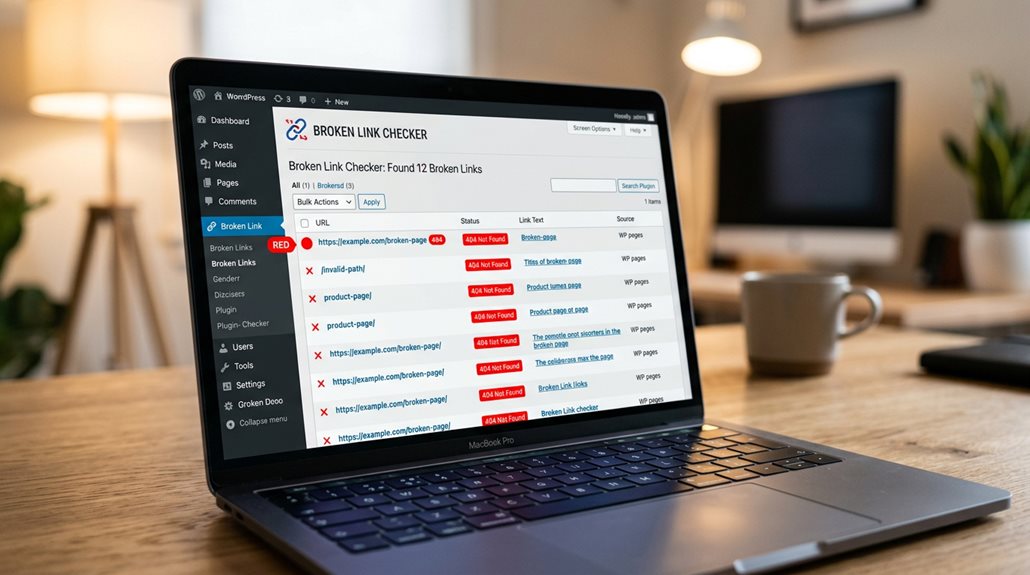
The best plugin for finding broken links in WordPress is Broken Link Checker, valued for its automatic scanning of internal and external URLs, customizable schedules, and user-friendly alerts. It’s straightforward to install and configure, making it ideal for busy sites that need regular checks without fuss. Many fallback on it because it provides detailed reports and can bulk fix issues—saving time and effort. Proficiency with this tool will help keep your site healthy; there’s more practical knowledge ahead.
TLDR
- Look for plugins like Broken Link Checker that automatically scan internal and external links for issues.
- Choose plugins with customizable scan schedules and email alerts for timely updates.
- Ensure the plugin offers easy setup, detailed reports, and compatibility with your WordPress version.
- Consider plugins that allow bulk link fixing and redirect management to streamline maintenance.
- Prioritize plugins with positive reviews and active support for reliable, ongoing link monitoring.
What Are Broken Links and Why Do They Matter in WordPress?
Broken links are more than just a minor annoyance—they’re a silent killer of your website’s credibility and SEO. In WordPress, broken links, whether internal or external, harm your site health and user experience. A reliable link checker helps identify these issues early, preventing negative impacts on SEO and bounce rates. Keeping your links healthy is essential for trust and visibility. Additionally, understanding how proximity can influence your site’s ranking can help prioritize which links to fix first, ultimately improving your overall SEO performance. Regularly monitoring duplicate or near-duplicate pages can also help you consolidate content and prevent search engines from indexing multiple similar pages, further boosting your SEO efforts.
How Can You Identify Broken Links on Your WordPress Site?
To effectively identify broken links on your WordPress site, you’ll want to employ specialized tools designed for this purpose, rather than manually clicking through every page—which is about as practical as counting grains of sand.
- Use plugin Link Checker scans for quick, automated site management.
- Rely on Google Search Console reports for 404 errors and crawl issues.
- Employ web-based tools like Ahrefs Audit for URL-level analysis.
- Opt for desktop software like Screaming Frog for detailed reports.
- Additionally, understanding Google’s indexing issues can help you address underlying problems that cause broken links not to be crawled or indexed properly.
- Incorporating Safe AI Strategies for Local SEO Automation, such as avoiding spammy link-building tactics, can ensure your efforts stay compliant and sustainable.
Which Broken Link Checker Plugin Is Best for WordPress in 2023?
When choosing the best broken link checker plugin for your WordPress site in 2023, it’s essential to take into account your website’s size and needs—whether you prefer quick site scans or detailed reports. The popular Broken Link Checker plugin efficiently finds broken links, including external links, and provides thorough reports. For large sites, tools like Screaming Frog offer efficient, detailed analysis, but simplicity often wins. Additionally, be mindful of recognizing warning signs that your current SEO tools or strategies may not be delivering the expected results. Just as Hidden Google Business Profile Errors can quietly reduce visibility and leads without obvious notifications, undetected broken links can also harm your site’s SEO and user experience over time.
How to Install and Set Up Your Chosen Broken Link Plugin Quickly

Once active, accessing the settings from the sidebar allows you to customize scan frequency, notification preferences, and link types to monitor. This is essential for avoiding endless manual checks.
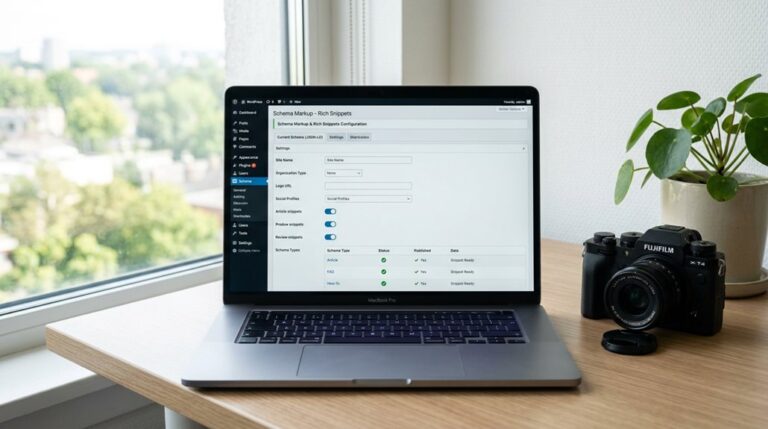
You can also utilize AI tools to generate structured schema markup that can enhance your site’s SEO by properly categorizing your content.
Choosing the Right Plugin
Ever wonder how quickly you can get a broken link scanner up and running on your WordPress site? Choosing the right plugin means considering features like:
- Ease of plugin setup and onboarding
- Flexibility in scan schedules
- Customizable notification preferences
- Exclusion filters to avoid false positives
Always check the plugin documentation to verify it aligns with your needs; it’s worth the time investment.
Installing the Plugin Easily
Getting your chosen broken link plugin up and running on your WordPress site is straightforward if you follow a few simple steps—no need for tech wizardry. You install the plugin via the Plugins menu, activate it, then run the setup or configuration. Here’s a quick overview:
| Step | Action |
|---|---|
| 1 | Search and install the plugin |
| 2 | Activate it in WordPress |
| 3 | Follow setup wizard if available |
| 4 | Adjust settings as needed |
| 5 | Run your first scan |
Configuring Scan Settings
Once you’ve installed and activated your chosen broken link plugin, the next step is to configure its scan settings to suit your website’s needs.
- Adjust scan frequency for automatic scans, weekly or daily, ensuring ongoing monitoring.
- Customize scan scope by selecting specific post types or categories to target or exclude.
- Enable email alerts for real-time broken link detection.
- Save settings and initiate an initial scan to get started immediately.
How to Fix Broken Links and Boost Your SEO Effectively
Fixing broken links is a crucial step that often gets overlooked in the rush to publish new content, but neglecting them can actually harm your SEO more than a few missing images.
Using a WordPress plugin to fix broken links, run site scans, and generate detailed reports guarantees your site remains trustworthy.
Regular maintenance preserves link equity and enhances crawlability, keeping your search rankings healthy.
Monitoring and Managing Links for Large or Dynamic WordPress Sites
Managing links on large or vibrant WordPress sites requires automation, as manual checks quickly become impractical and error-prone. Automated link scanners can perform frequent, thorough scans that catch broken internal, external, and media links in real-time, which is essential when content updates happen constantly.
Using scheduled scans and detailed reports, you can maintain site health efficiently. But be cautious—over-reliance on automation without regular oversight can still leave gaps, especially with custom post types or embedded media.
Automating Link Checks
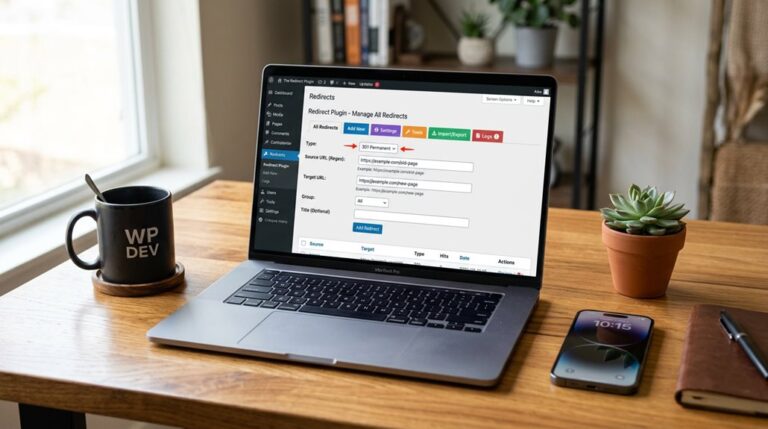
For large or ever-changing WordPress sites, automating link checks isn’t just a luxury—it’s a necessity to maintain SEO health and user experience. Using site scans, scheduled scans, and redirect management with WordPress plugins guarantees continuous monitoring.
- Detect broken links instantly
- Support unlimited URLs
- Reduce server load with redirect optimizations
- Enable quick fixes without manual work
Managing Dynamic Content
When your WordPress site grows into a sprawling, content-rich environment, manually tracking down broken links becomes a game of whack-a-mole—impractical and prone to oversight. Automated scans are essential for managing versatile content, identifying broken links across posts, media, and embedded scripts.
Features like bulk fixing and scheduled scans streamline link management, keeping your site healthy without constant manual effort.
Why Using the Right Plugin Saves Time and Builds Trust
Using the right broken link plugin can dramatically cut down the time you spend hunting for issues manually—something that often feels like chasing shadows on a large website.
A WordPress Broken Link Checker automatically scans your site, providing detailed reports to see and fix broken links.
Reliable tools save hours, enhance SEO, and build trust with visitors and search engines alike, effortlessly.
Tips for Maintaining Healthy Links Over Time

Maintaining healthy links over time demands a proactive approach that integrates routine checks into your workflow; neglecting this can lead to a slow erosion of your site’s credibility and SEO ranking. Use site scans and plugin scans for automated monitoring, keep redirects organized, and periodically review external backlinks. Regular updates and bulk edits keep your site healthy, preventing broken links from sneaking in unnoticed.
| Routine Checks | Tools & Features | Focus Area |
|---|---|---|
| Automated scans | Broken Link Checker plugin | Broken links & site health |
| Redirect management | Bulk editing & redirects | Fixing multiple links efficiently |
| External backlink review | Periodic backlink checks | External link stability |
And Finally
In the end, choosing the right broken link plugin isn’t about chasing the latest shiny object but about practicality and reliability. With my experience, I can tell you that a well-configured tool, combined with regular checks, keeps your site healthy and your visitors trusting your content. Don’t forget, fixing links isn’t a one-and-done task—it needs ongoing attention. Stick to proven methods, avoid shortcuts, and your SEO and user experience will thank you in the long run.